Your profile
Overview
Update your personal details, choose your interface language, and manage your account settings from the My Account page and its tabs.
When to use it
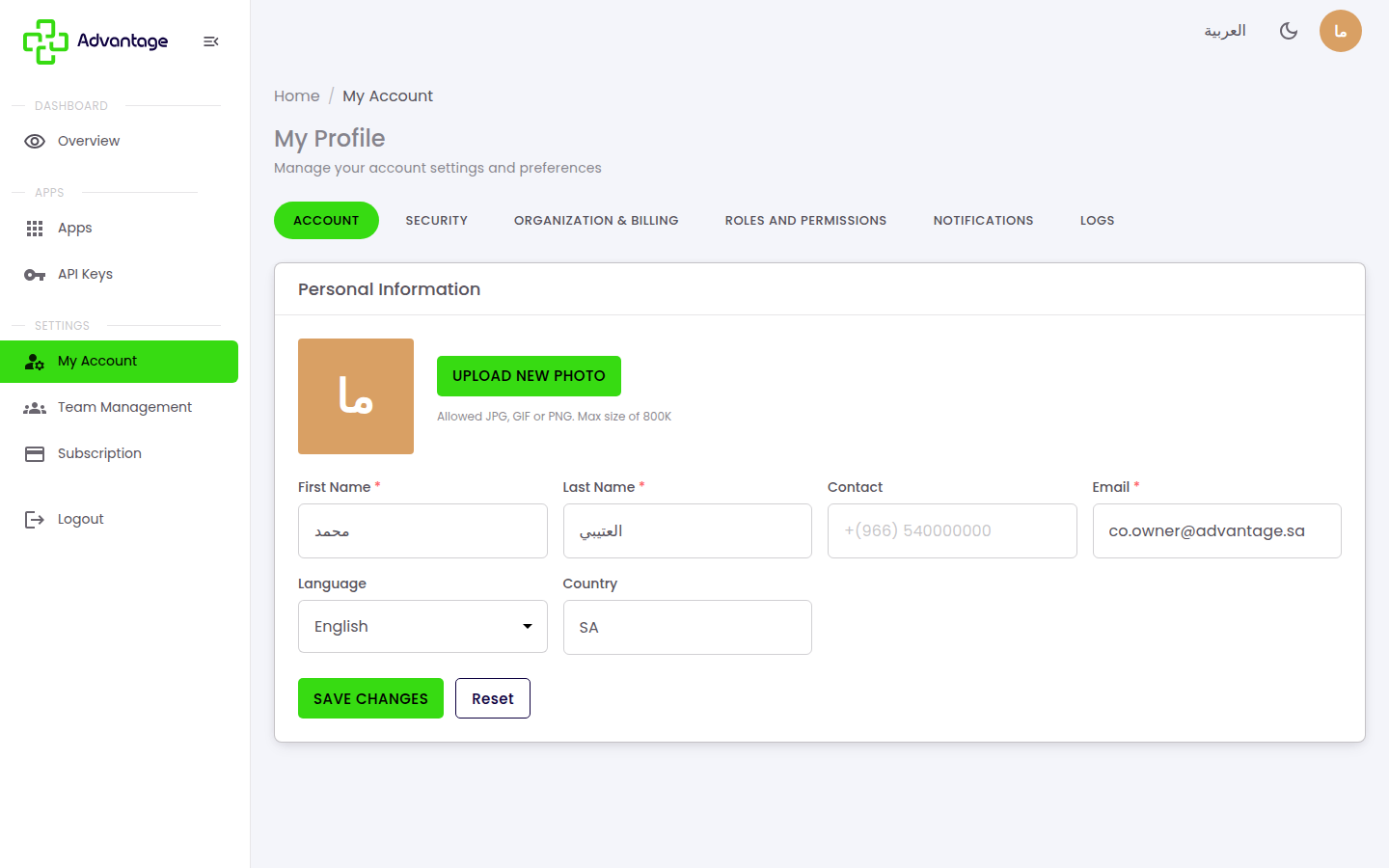
- You want to update your name, contact number, or profile photo.
- You want to change the interface language so it follows you across every module.
- You want to change your password, review roles, adjust notifications, or check your account activity.
Before you start
- You need to be signed in to your Advantage account.
- Have a JPG, GIF, or PNG image no larger than 800 KB ready if you want to upload a profile photo.
Step by step
-
On the Account tab, edit your name, contact number, email, and profile photo, set your interface Language (saved to your account, so it follows you across modules) and Country, then choose Save changes.
-
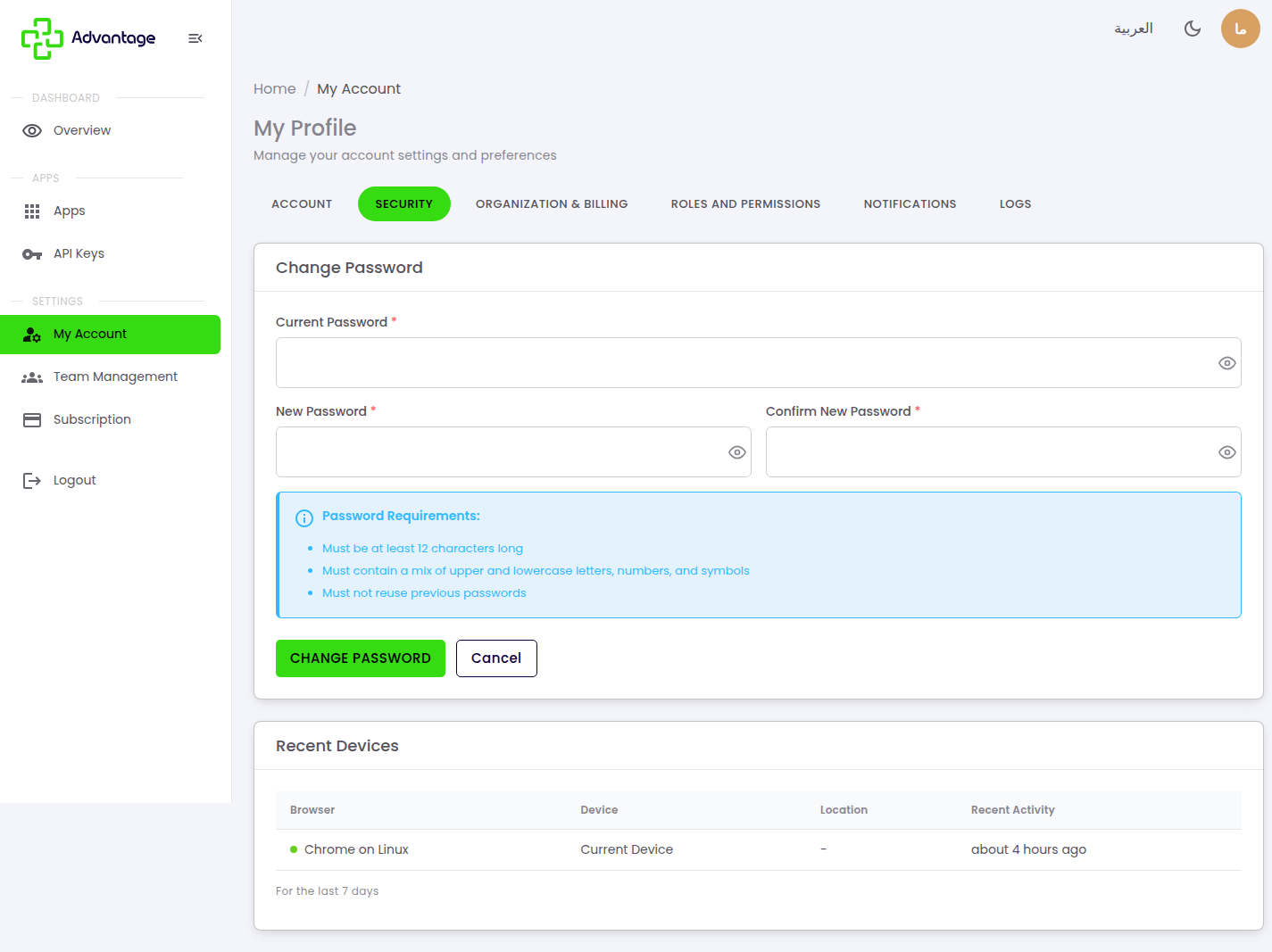
On the Security tab, change your password and manage sign-in security. If you've forgotten your password and can't log in, see Password help.
-
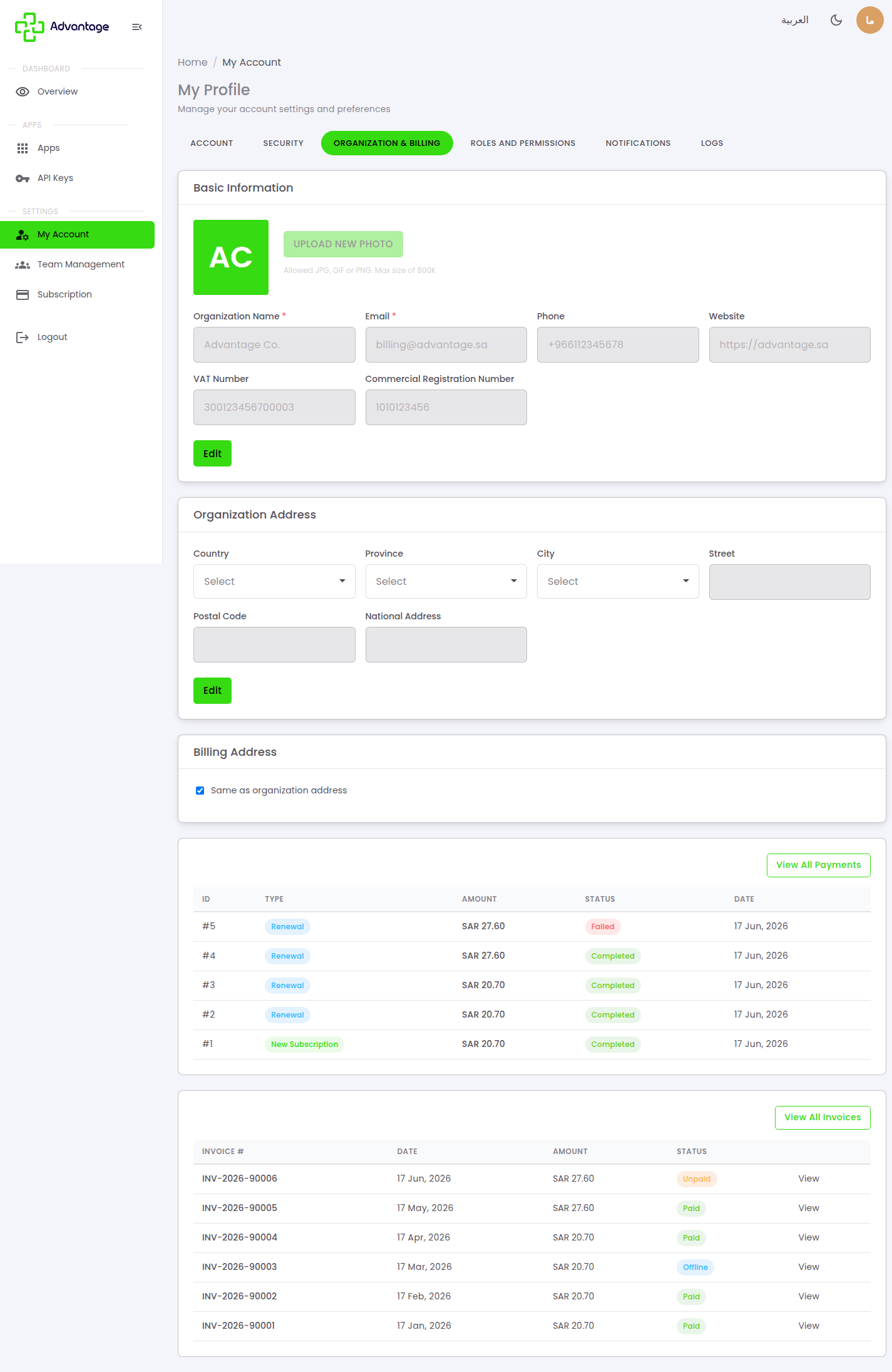
On the Organization & billing tab, review your organization's details (name, VAT/CR, billing address) used on your invoices.
-
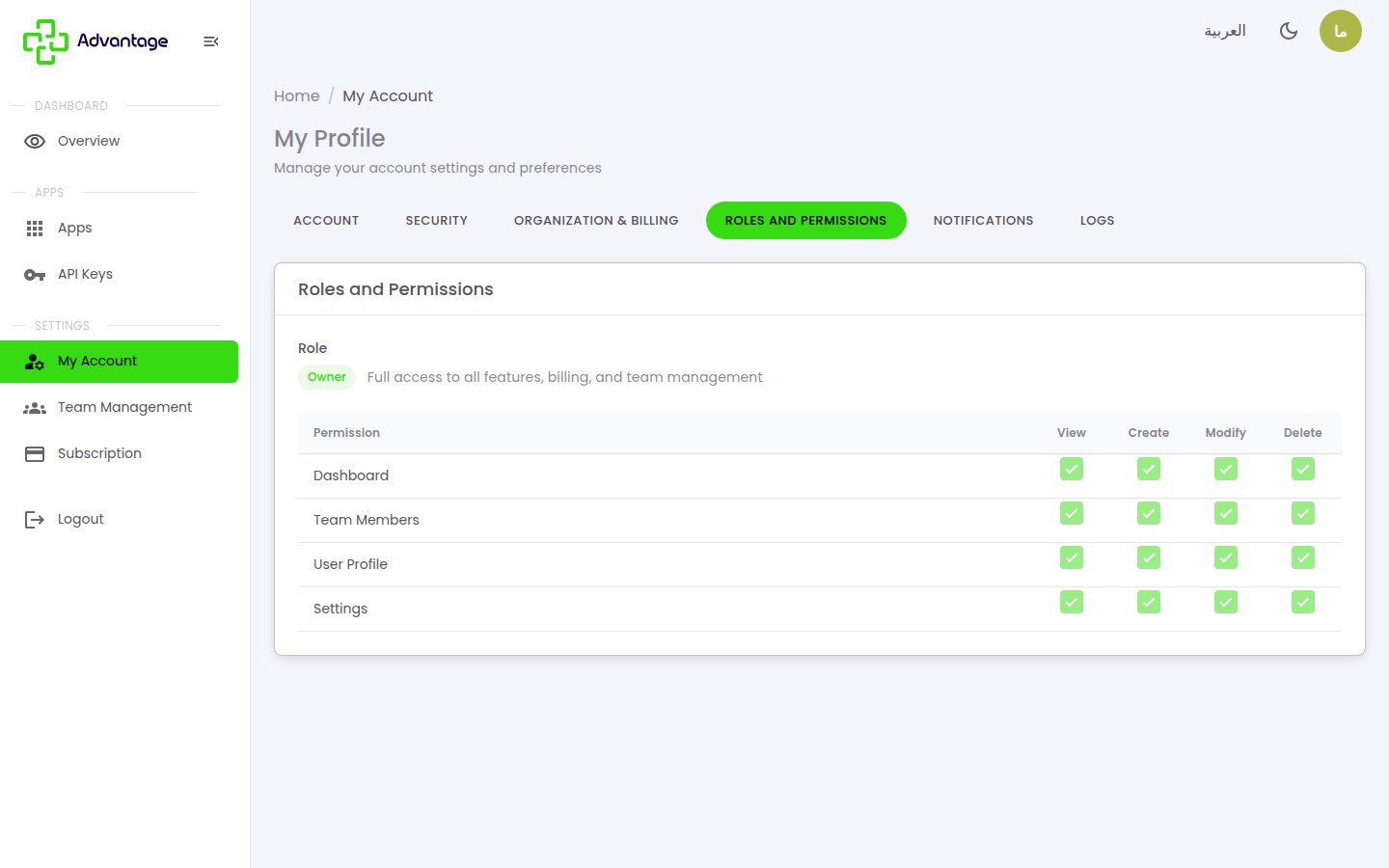
On the Roles & permissions tab, see what each role (Owner, Admin, Editor, Viewer) is allowed to do. To actually manage members and their roles, go to Organization & team.
-
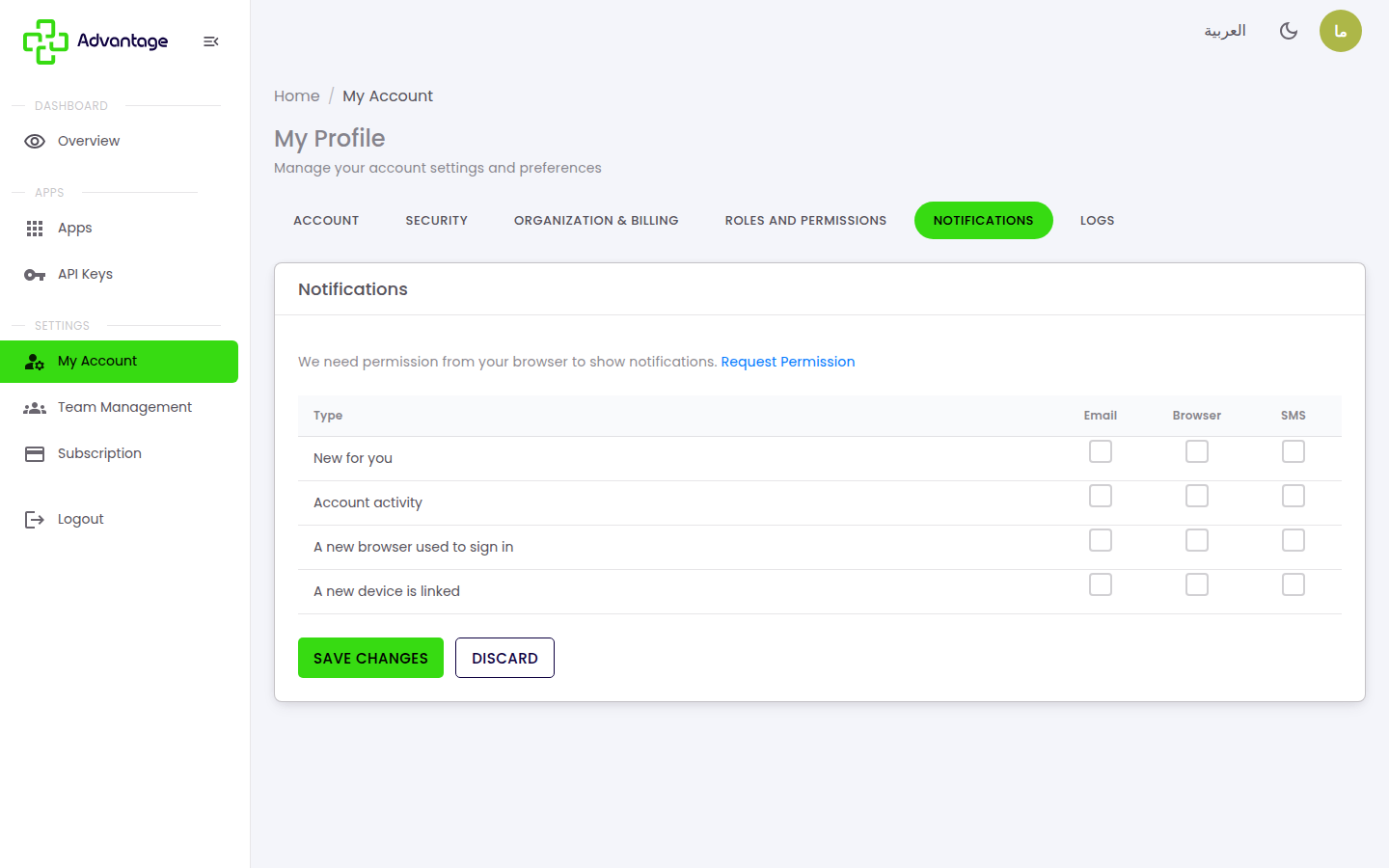
On the Notifications tab, choose which notifications you receive and how (push / email / SMS).
-
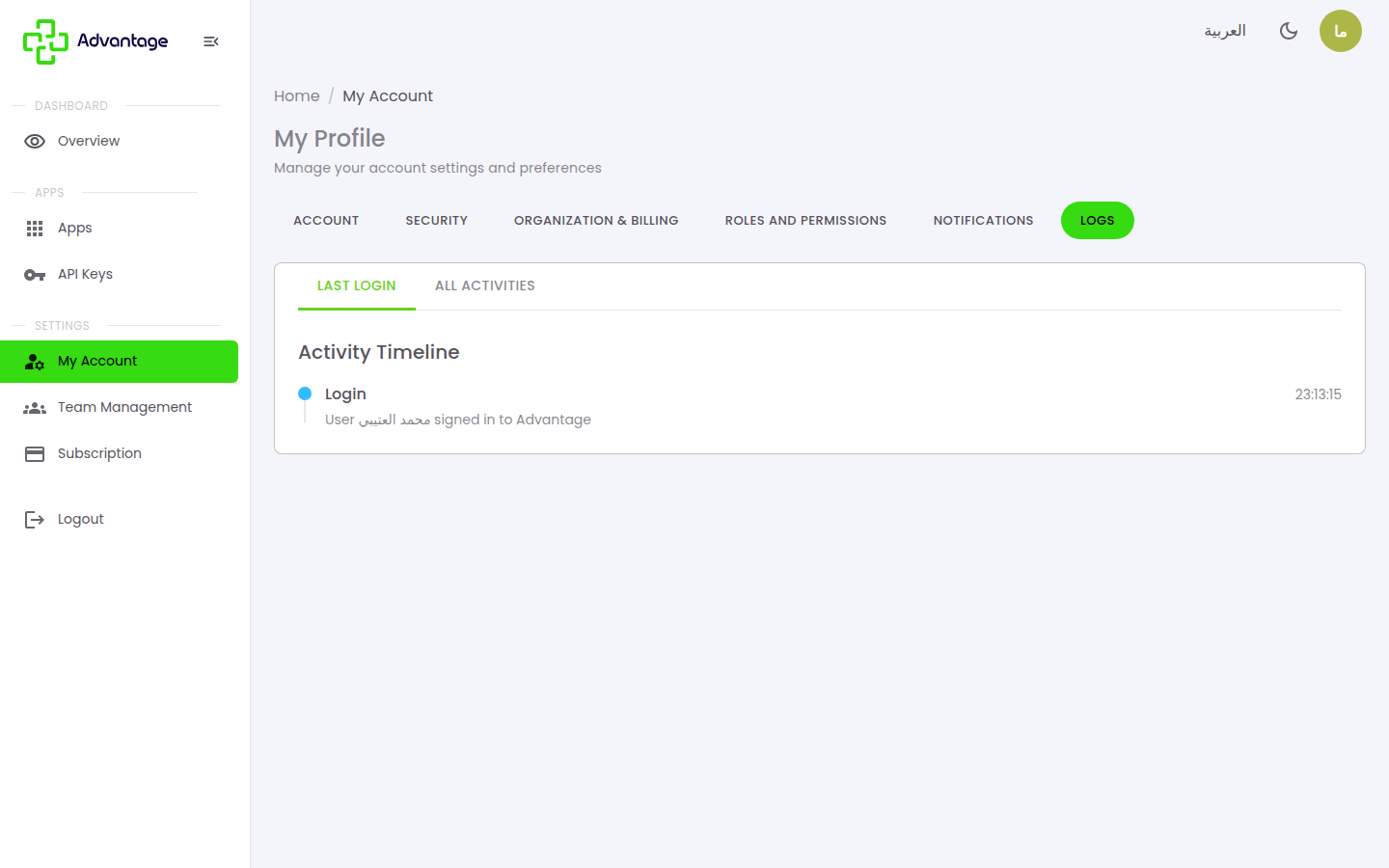
On the Logs tab, see a history of activity on your account; you can view recent or all activity.
Good to know
Where do I change the interface language? You can change it here on the Account tab, or from the top bar — both save your choice to your account.
How do I change my password? On the Security tab of the same page.
Where can I see my account activity? On the Logs tab, which shows your account activity. You can view recent or all activity to check the latest actions on your account.
Why can't I see some organization or billing fields? Some organization and billing fields may only be visible to Owners and Admins.
What's the maximum profile photo size? 800 KB, in JPG, GIF, or PNG format.
Tips & pitfalls
Tip: Keep your email current — it's used for password resets and invitations.
Warning: Changing your email may affect how you sign in.
Next steps
To manage your team members and their roles, go to Organization & team.